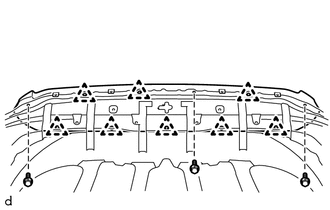
DISASSEMBLY PROCEDURE 1. REMOVE HOOD BULGE ASSEMBLY 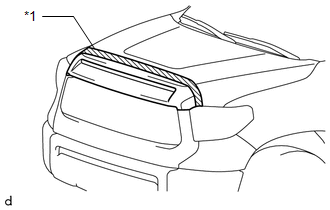
(a) Put protective tape around the hood bulge assembly. Text in Illustration
(c) Detach the 8 clips and remove the hood bulge assembly. 2. REMOVE HOOD TO RADIATOR SUPPORT SEAL 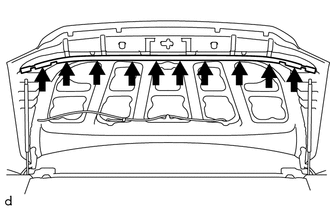
(a) Using a clip remover, remove the 10 clips and hood to radiator support seal. 3. REMOVE HOOD INSULATOR (w/ Hood Insulator) 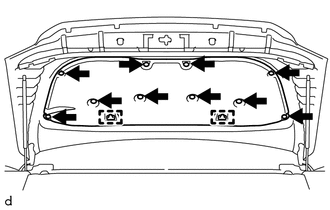
(a) Using a clip remover, remove the 10 clips. (b) Detach the 2 guides and remove the hood insulator. 4. REMOVE FRONT WASHER NOZZLE AND HOSE ASSEMBLY
5. REMOVE WASHER HOSE ASSEMBLY 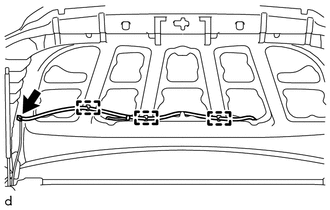
(a) Disconnect the washer hose assembly. (b) Detach the 3 clamps and remove the washer hose assembly. |
Toyota Tundra Service Manual > Audio / Video: Floor Speaker(for Crewmax)
ComponentsCOMPONENTS ILLUSTRATION InspectionINSPECTION PROCEDURE 1. INSPECT NO. 1 BOX SPEAKER ASSEMBLY (a) Measure the resistance according to the value(s) in the table below. Standard resistance: Tester Connection Condition Specified Condition 1 - 2 Always 1.6 to 2.4 Ω If the result is not as spe ...