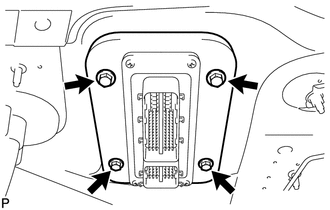
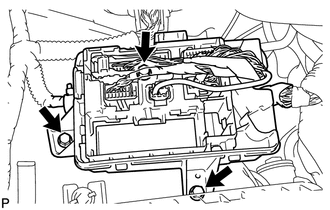
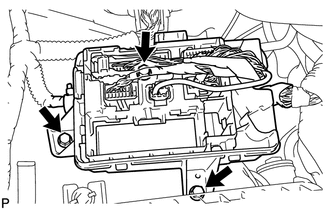
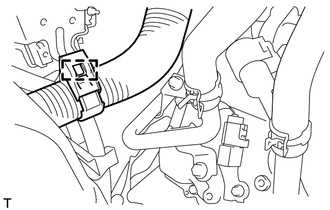
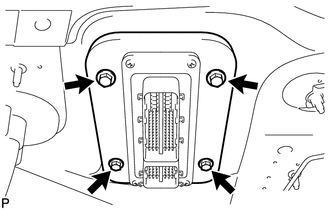
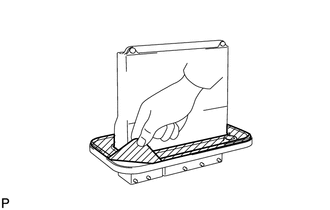
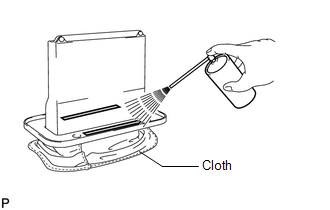
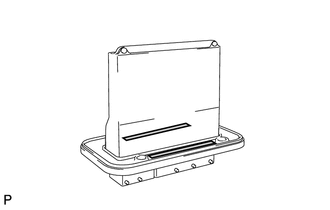
Components COMPONENTS ILLUSTRATION 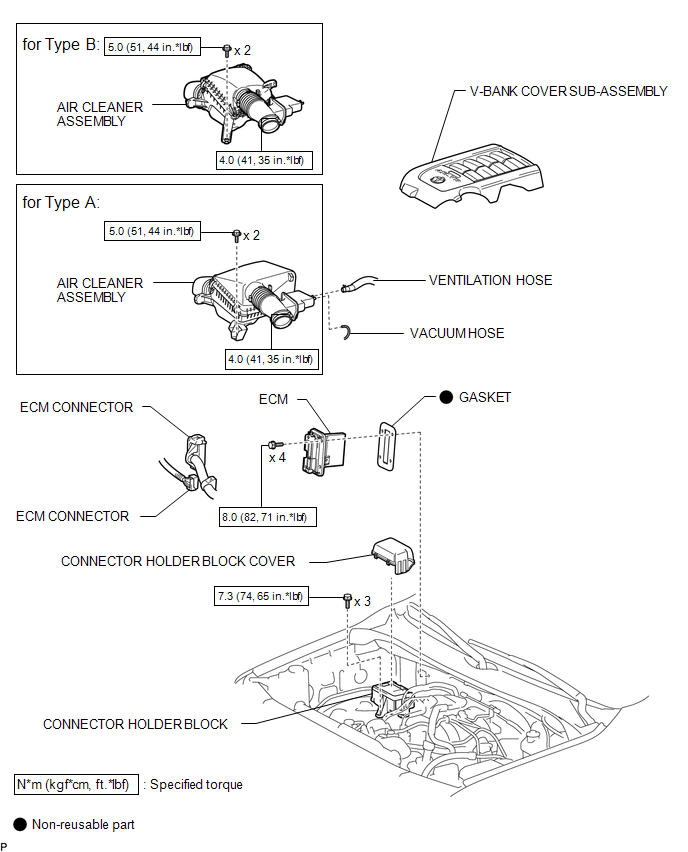 Installation INSTALLATION PROCEDURE 1. INSTALL GASKET (a) Clean the ECM seal's surface with non-residue solvent. (b) Attach a new gasket to the ECM. 2. INSTALL ECM
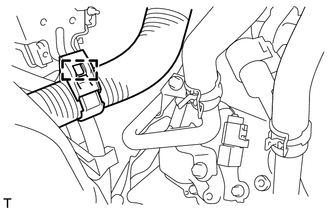
3. CONNECT CONNECTOR HOLDER BLOCK
(b) Install the connector holder block cover. 4. INSTALL AIR CLEANER ASSEMBLY 5. INSTALL V-BANK COVER SUB-ASSEMBLY Removal REMOVAL PROCEDURE 1. REMOVE V-BANK COVER SUB-ASSEMBLY 2. REMOVE AIR CLEANER ASSEMBLY 3. DISCONNECT CONNECTOR HOLDER BLOCK (a) Remove the connector holder block cover.
4. REMOVE ECM
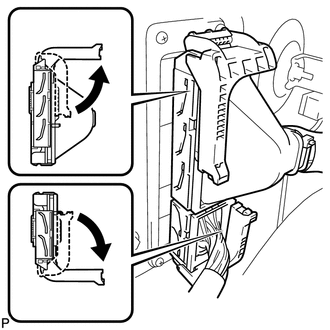
(b) Raise the 2 levers while pushing the locks on the 2 levers shown in the illustration. NOTICE: Make sure that the lock lever is raised 90° as shown in the illustration before disconnecting the connectors. Failure to do this may cause the connectors to break. 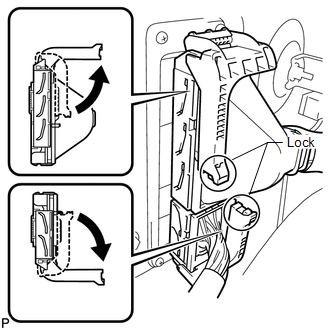 (c) Disconnect the 2 connectors.
5. REMOVE GASKET
|
Toyota Tundra Service Manual > Navigation Receiver(for Floor Shift Type): Installation
INSTALLATION PROCEDURE 1. INSTALL STEREO COMPONENT TUNER ASSEMBLY (w/ Satellite Radio) 2. INSTALL NO. 2 RADIO RECEIVER BRACKET (a) w/o Satellite Radio: Install the No. 2 radio receiver bracket with the 3 bolts. Torque: 3.5 N·m {36 kgf·cm, 31 in·lbf} (b) w/ Satellite Radio: Install the No. 2 radio ...