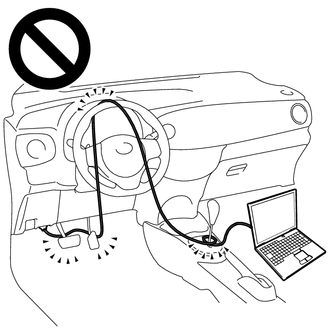
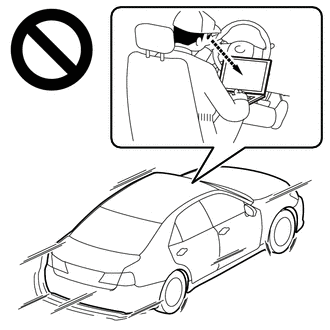
DESCRIPTION The ECM illuminates the cruise control SET indicator by sending indicator output demand signals to the combination meter assembly via CAN communication. The cruise control SET indicator illuminates when the dynamic radar cruise control system is controlling vehicle speed. The cruise SET indicator light circuit uses CAN communication. If the cruise control SET indicator is not functioning correctly, check for CAN communication DTCs before troubleshooting this circuit. CAUTION / NOTICE / HINT CAUTION: Observe the following items for safety reasons when using Techstream:
NOTICE:
PROCEDURE
(a) Connect the Techstream to the DLC3. (b) Turn the ignition switch to ON. (c) Turn the Techstream on. (d) Enter the following menus: Body Electrical / Combination Meter / Active Test. (e) Perform the Active Test according to the display on the Techstream. Body Electrical > Combination Meter > Active Test
(a) Turn the cruise control system on using the cruise control main switch (ON-OFF button). (b) Drive at a speed between approximately 40 km/h (25 mph) and 180 km/h (110 mph). (c) Enter the following menus: Powertrain / Radar Cruise1 / Data List. (d) Read the Data List according to the display on the Techstream. Powertrain > Radar Cruise1 > Data List
|
Toyota Tundra Service Manual > Touch Select 2-4 And High-low System: Automatic Disconnecting Differential Motor Limit Switch Circuit (P17A4)
DESCRIPTION When the A.D.D. actuator is switching between 2WD and 4WD, the DL1 and DL2 terminals of the limit switch are in one of the ON/OFF combinations listed in the table below. Terminal In 2WD Switching between 2WD and 4WD In 4WD DL1 OFF (OPEN) ON (GND) ON (GND) DL2 ON (GND) ON (GND) OFF (OPEN) ...