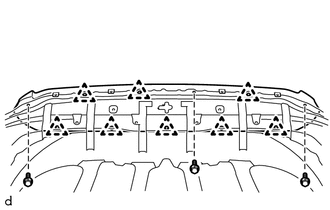
DISASSEMBLY PROCEDURE 1. REMOVE HOOD BULGE ASSEMBLY 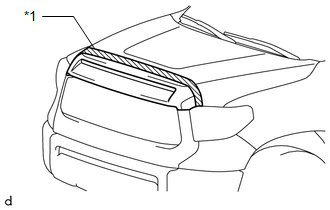
(a) Put protective tape around the hood bulge assembly. Text in Illustration
(c) Detach the 8 clips and remove the hood bulge assembly. 2. REMOVE HOOD TO RADIATOR SUPPORT SEAL 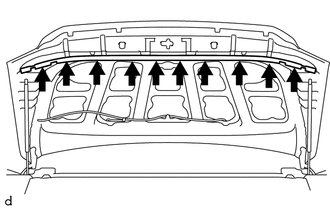
(a) Using a clip remover, remove the 10 clips and hood to radiator support seal. 3. REMOVE HOOD INSULATOR (w/ Hood Insulator) 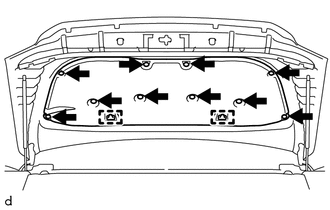
(a) Using a clip remover, remove the 10 clips. (b) Detach the 2 guides and remove the hood insulator. 4. REMOVE FRONT WASHER NOZZLE AND HOSE ASSEMBLY
5. REMOVE WASHER HOSE ASSEMBLY 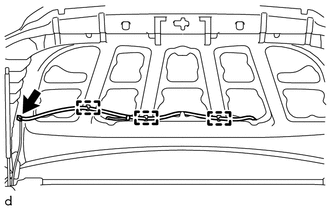
(a) Disconnect the washer hose assembly. (b) Detach the 3 clamps and remove the washer hose assembly. |
Toyota Tundra Service Manual > Sfi System: Evaporative Emission System Pressure Sensor - Manifold Absolute Pressure Correlation (P106A,P106B)
DESCRIPTION DTC No. DTC Detection Condition Trouble Area P106A The pressure detected by the canister pressure sensor (Vapor Pressure Pump*) and the pressure detected by the manifold absolute pressure sensor (MAP*) differ by 7 kPa (54 mmHg) or more (2 trip detection logic) Canister pressure sensor (c ...