Components COMPONENTS ILLUSTRATION 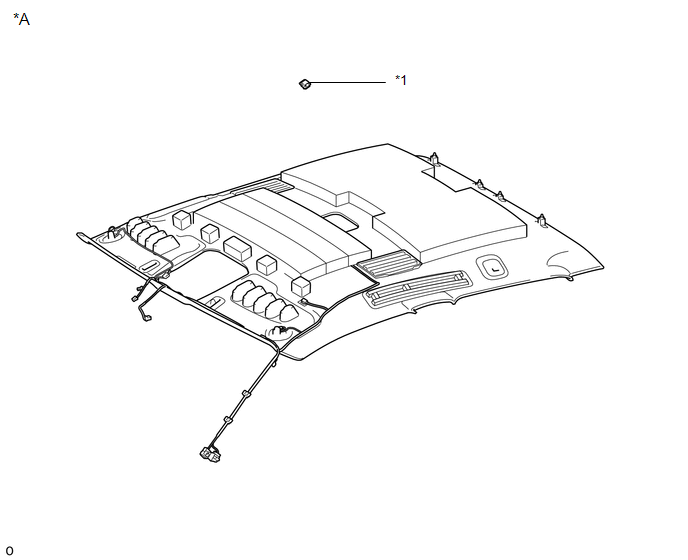
ILLUSTRATION 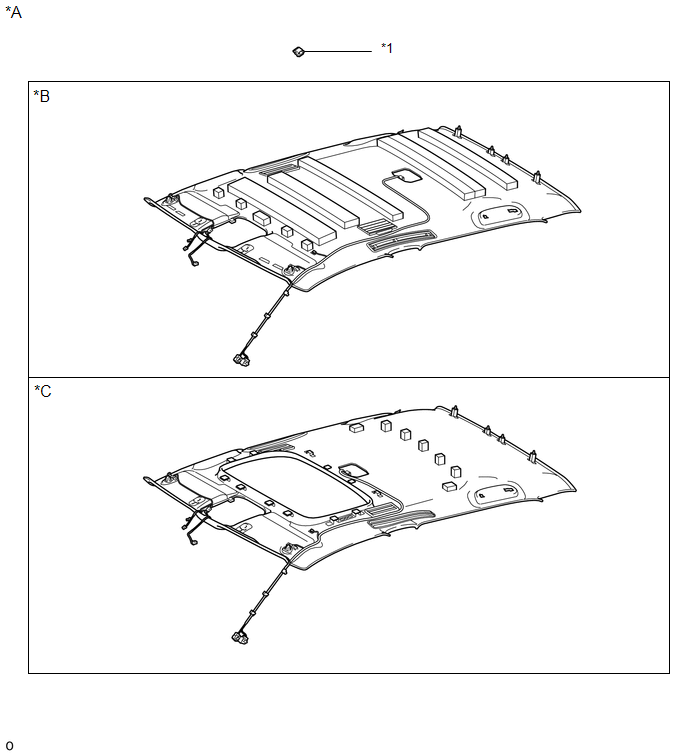
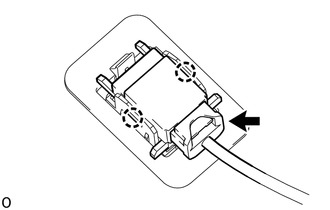
Installation INSTALLATION PROCEDURE 1. INSTALL TELEPHONE MICROPHONE ASSEMBLY
(b) Connect the connector. 2. INSTALL ROOF HEADLINING ASSEMBLY (a) for Double Cab: Click here (b) for CrewMax: Click here
Removal REMOVAL PROCEDURE 1. REMOVE ROOF HEADLINING ASSEMBLY (a) for Double Cab: Click here
(b) for CrewMax: Click here
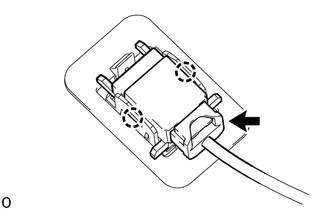
2. REMOVE TELEPHONE MICROPHONE ASSEMBLY
(b) Detach the 2 claws and remove the telephone microphone assembly. |
Toyota Tundra Owners Manual > Bluetooth phone: What to do if...
(Troubleshooting)
If there is a problem with the hands-free system or a Bluetooth device, first check the table below. When using the hands-free system with a Bluetooth device The hands-free system or Bluetooth device does not work. The connected device may not be a compatible Bluetooth cellular phone. → For a list ...